Bring the image.
Upload your existing design. No layers or source file needed.
Replace image text while aiming to retain its lettering, color and surrounding design.
Upload your existing design. No layers or source file needed.
Enter your replacement or select a language. Choose an area for a focused edit.
Compare both versions, check the details and download your PNG.
Useful when a finished graphic is all you have and you want a different headline without rebuilding the design.
Decorative lettering and tiny text can be difficult. Use a tight selection with a little background around the letters, and inspect the result at full size.
Your original is never overwritten. AI can change details inside the edited region; inspect the result before publishing.
Replace “SUNDAY MARKET” with “WEEKEND MARKET”
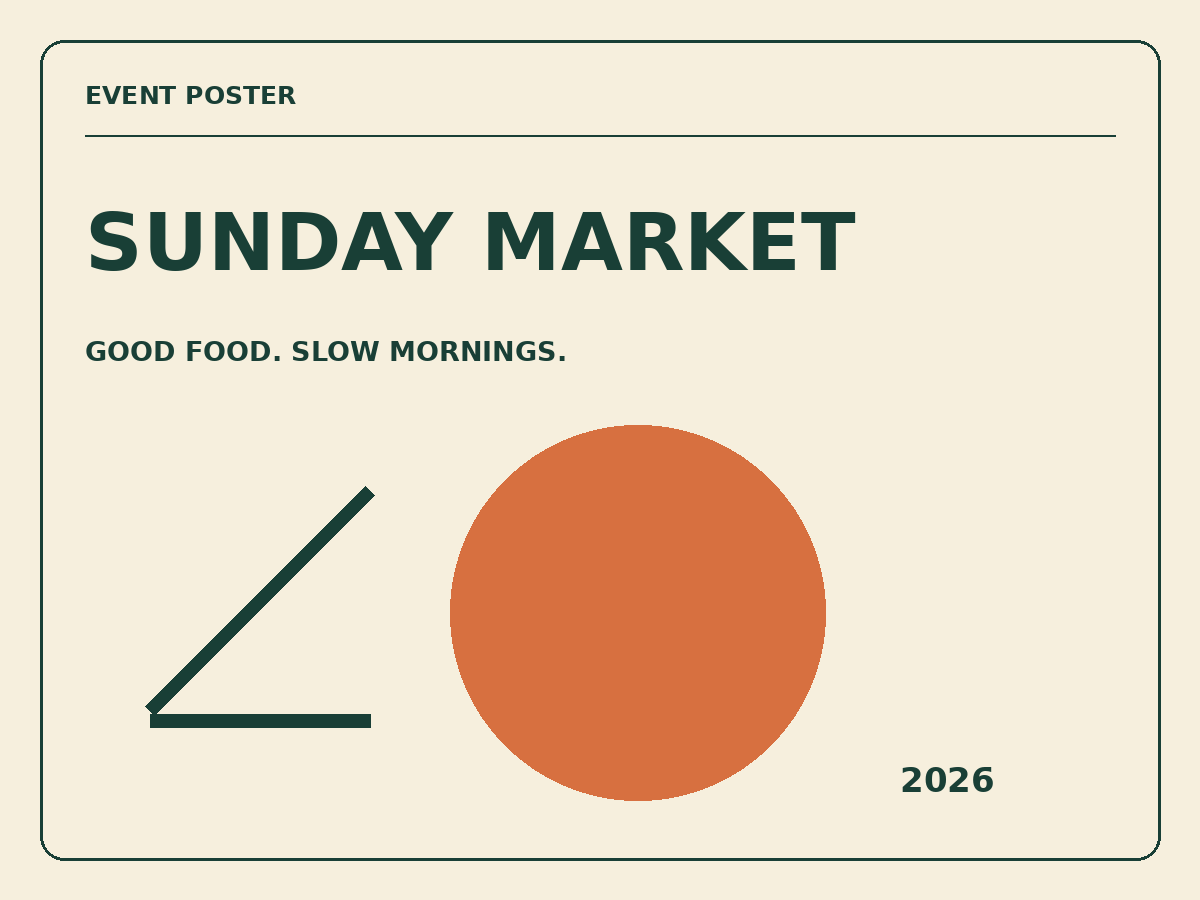
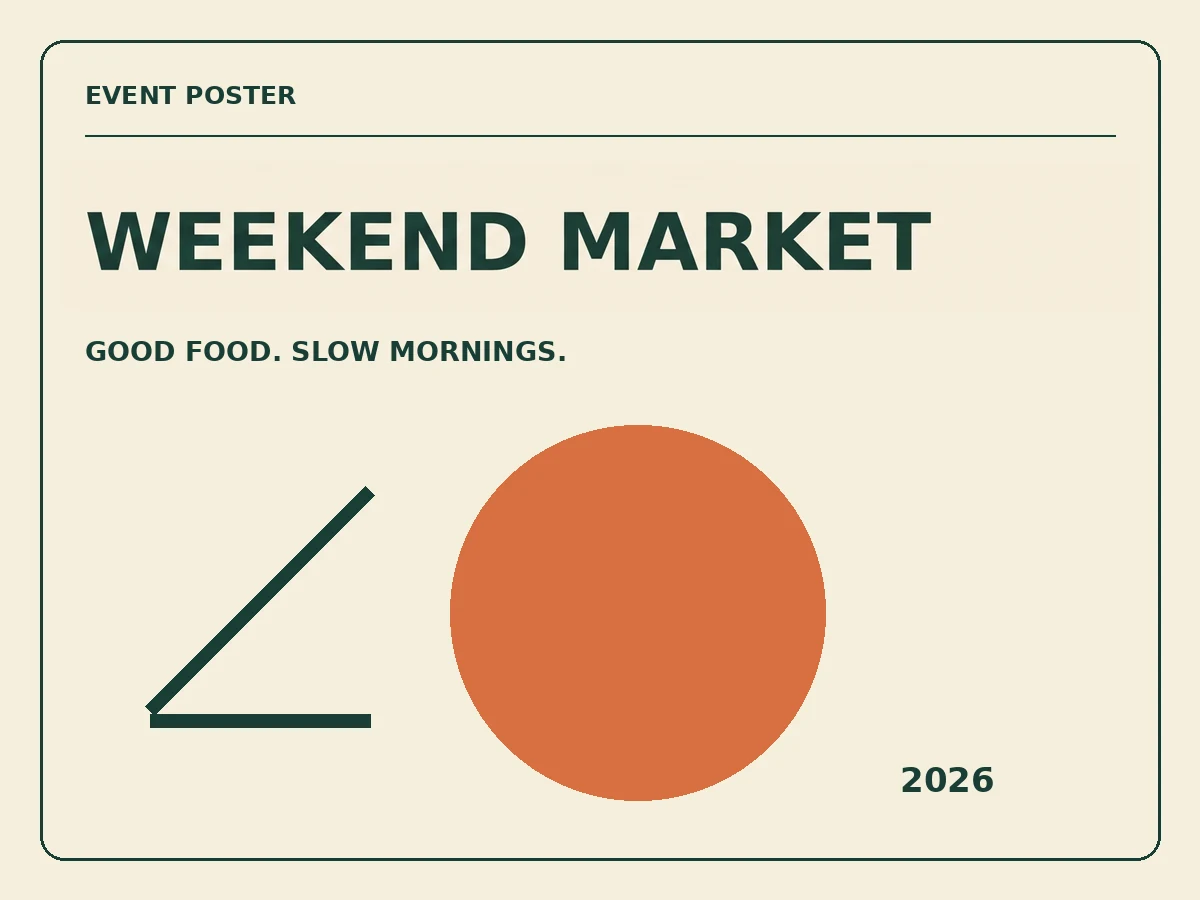
Generated through this website using an original synthetic test image. This is one example, not a guarantee for every image. Review all words, numbers and layout before publishing.
Try this image in the editor ↑Replace image text while aiming to retain its lettering, color and surrounding design.
Open tool ↗Correct misspelled or garbled lettering in an AI-generated image.
Open tool ↗Update the date, venue or headline on a finished poster or flyer.
Open tool ↗Update product labels and promotional copy in images you own.
Open tool ↗Revise your own app mockups, tutorial labels and interface screenshots.
Open tool ↗Translate visible text into a new image, then check wording and layout.
Open tool ↗Translate product-image copy without starting the design from scratch.
Open tool ↗Update a dish name, price or café special on your menu image.
Open tool ↗Update a promotion or call to action in a banner you already own.
Open tool ↗Change the headline in your own video thumbnail or social cover.
Open tool ↗New email accounts receive one trial credit. You can explore the editor and original sample before signing in.
The model aims to match the style, but exact font identity is not guaranteed. Use the comparison view to check lettering and spacing.
A confirmed technical failure returns the reserved credit automatically. An uncertain provider response is checked before another task is sent. For an incorrect result, contact support with the edit ID.
Images are accessed through your account. A short-lived link is shared with the image provider to process the task. See the privacy policy for retention and deletion details.